|
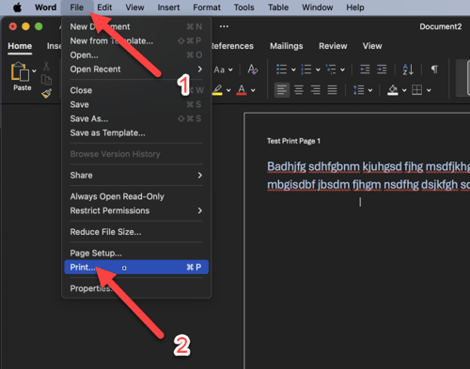
1. Within Word, Adobe Acrobat or another program, Select File in the top Menu Bar then select Print…
|
|
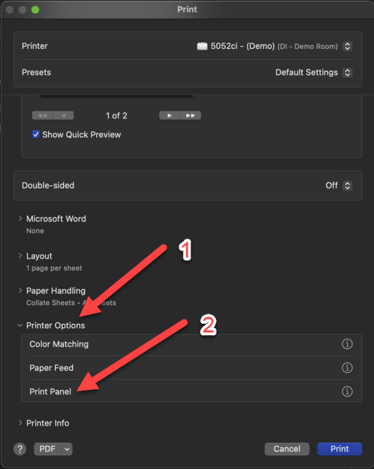
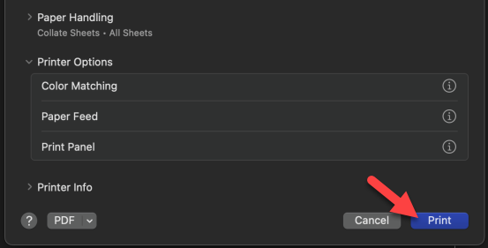
2. In the new window, ensure you have the correct printer Selected. Then Scroll down and click on Printer Options. Then select Print Panel at the bottom.
|
|
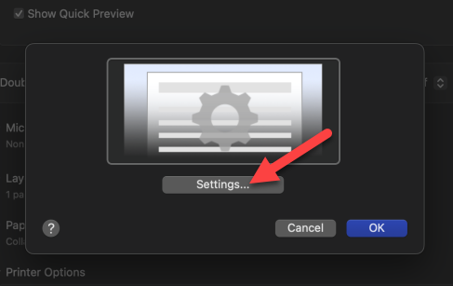
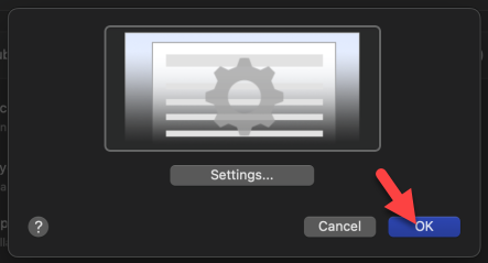
3. This should open a window and have you select Settings…..
|
|
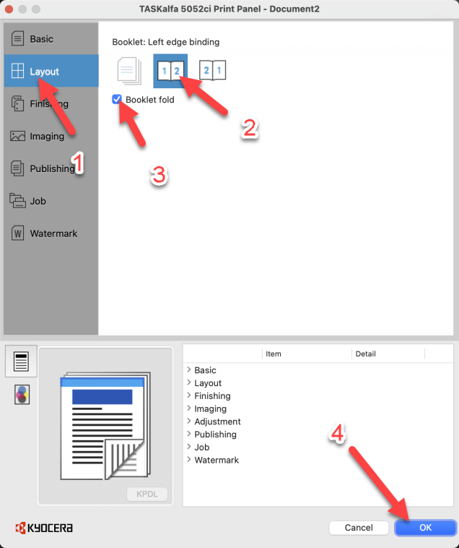
4. With the Kyocera Print Panel now open, navigate to the Layout tab and select one of the two left most Booklet options depending on if you want your first page on the inside or outside of the booklet.
|
|
5. Select OK to close out of this window.
|
|
6. Select the Print button to then print your document.
|