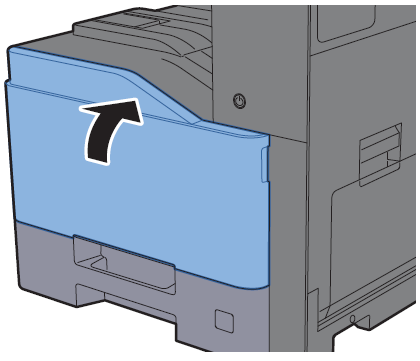
This guide walks you through how to use the new WT-5190 waste container on the TASKalfa TA-307ci/308ci series
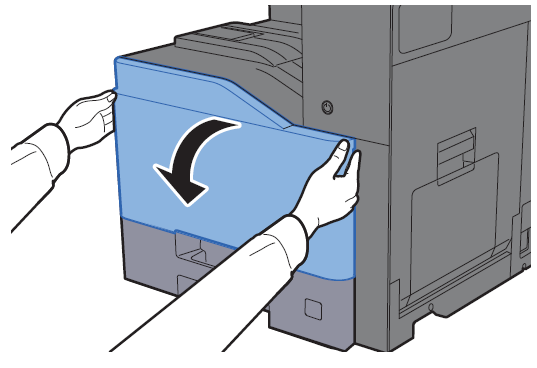
1. Open the front cover
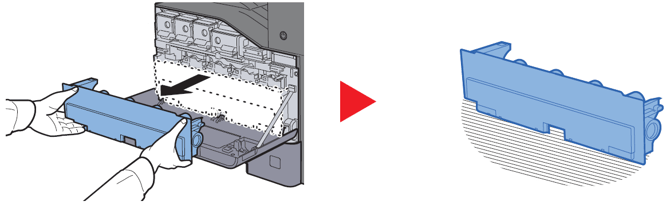
2. Remove the waste toner container and place it on a flat surface
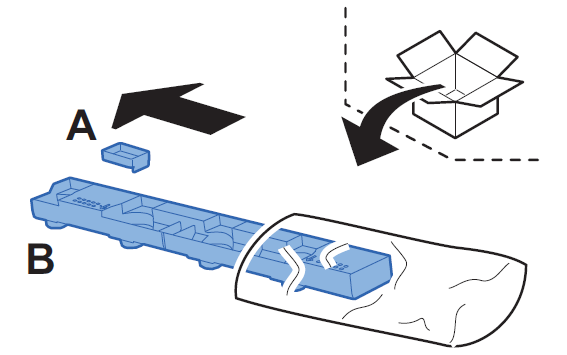
3. Unpack the caps from inside the new waste container box
4. Carefully attach the Cap A to the used waste container
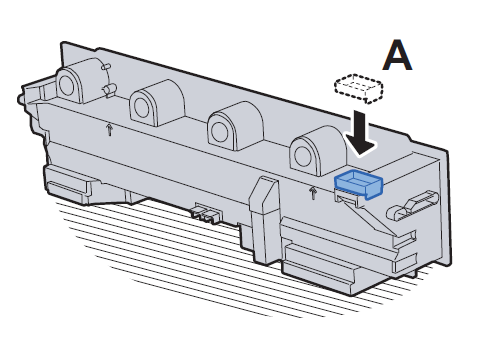
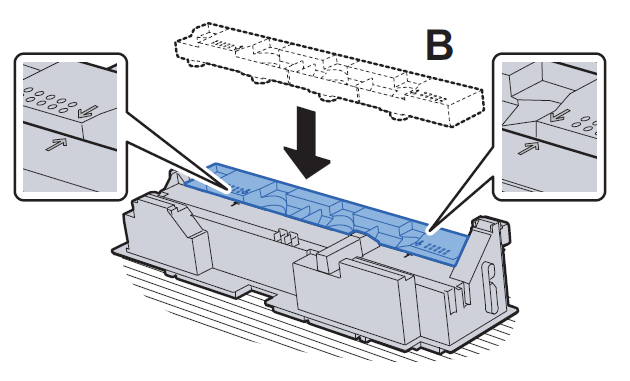
5. Lay the used waste container down and carefully attach the Cap B to the used waste container. Then place the used waste container in the plastic waste bag.
6. Install the new waste toner container in the the Kyocera device
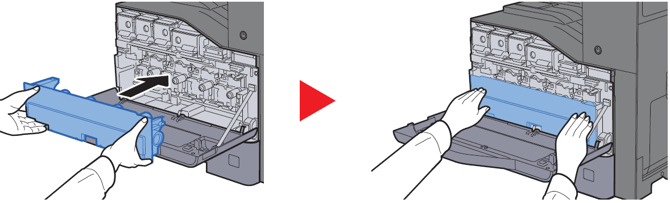
7. Close the front cover