This guide walks you through how to use the new WT-8500 waste bottle or an empty black toner bottle as the waste toner bottle on newer TASKalfa series devices.
Kyocera has redesigned the system so both bottles are now the same, making it simple to repurpose the empty black toner bottle. This updated design helps reduce waste and makes maintenance easier. For best performance, Kyocera recommends replacing the waste toner bottle each time you install a new black toner cartridge.
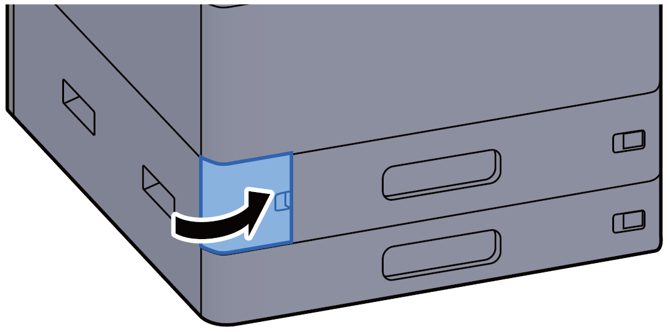
1. Open the waste toner box cover
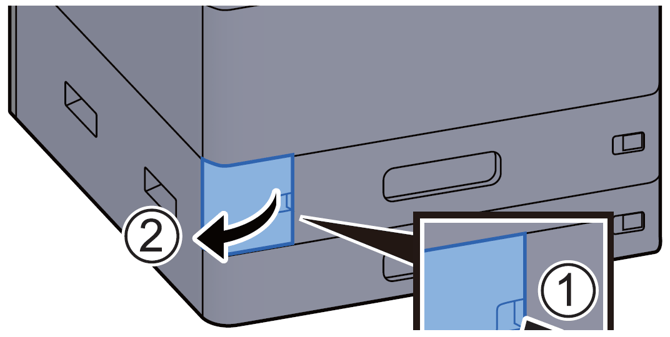
2. Remove the waste toner bottle
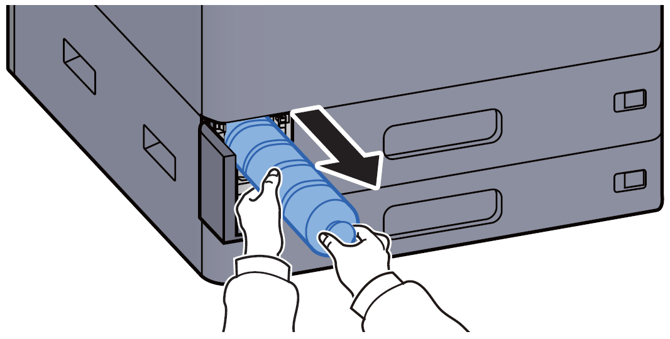
3. Place the used Waste toner bottle into the plastic bag that is included with the new black toner.
(Be sure to label the full waste bottle for recycle. To avoid someone trying to use it as a new black toner)
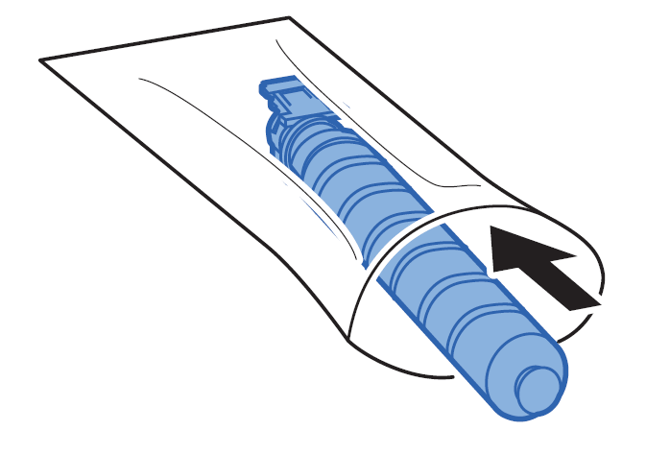
4. Insert an empty black toner or the new WT-8500 waste bottle into the waste toner box. Be sure the grey Part is facing up
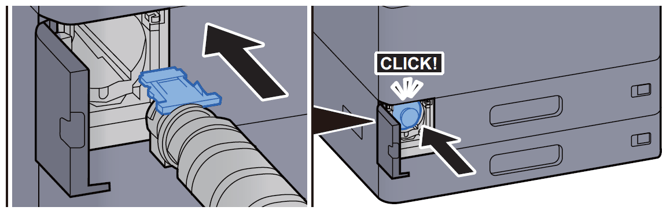
6. Close the waste toner door