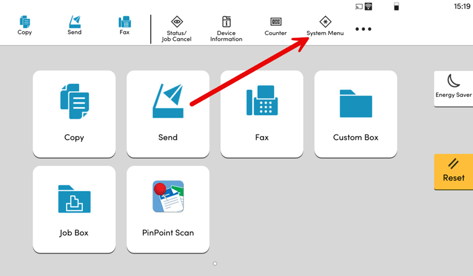
- Press System Menu or Menu on the device
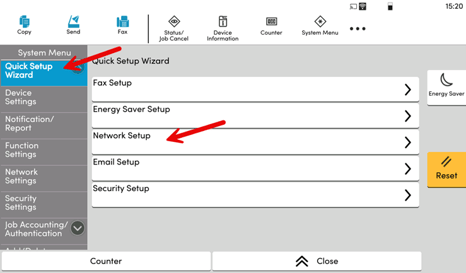
- Navigate to Quick Setup Wizard and select Network Setup
- Enter the Username and password and then press Login
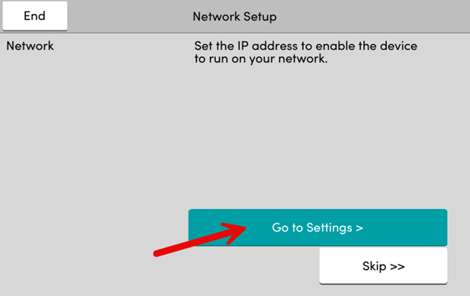
For TASKalfa machines it's the 1st 2 digits of the model number of the machine followed by ‘00’ (e.g) 3552Ci=3500 for both the username and password - select Go To Settings >
- Select Wi-Fi
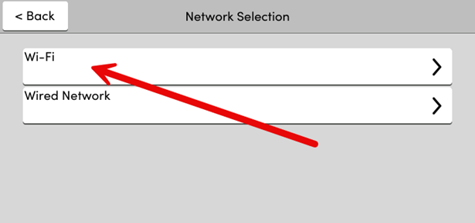
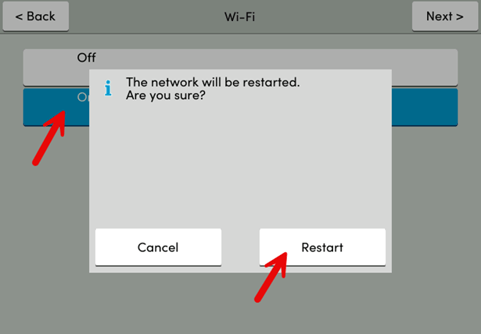
- Now go through the wizard to turn on the wifi and connect to available wifi network
Note you will need your WiFi SSID (Name) and Password (Pass Key)